
MovieTimestamper v1.0 Released!
🇺🇸 English | 🇰🇷 한국어
1. Introduction

There are still far too many reckless drivers on the road who ignore signals and threaten pedestrians. Just a few days ago, my dashcam caught a car blowing past two pedestrians. Since I drive a Tesla, the dashcam footage itself was fine — but when I got home and checked, there was no date or time burned into the video. Drivers like that should be reported through channels like the Safety Report app (안전신문고) so they get a warning, and it was frustrating not to have the timestamp.
There was an app that stamped times onto videos, but some Tesla videos kept throwing errors because Tesla changed the way those files are saved. After spending an entire day digging into the cause, I ended up cleaning up my scripts and packaging them into an app. The result is MovieTimestamper v1.0.
2. Features
- Zero-dependency standalone app: FFmpeg is bundled right inside the app, so there is no need to install Homebrew or any other package manager. Download it and run it.
- Automatic shoot-time detection with KST correction: reads the video’s creation_time metadata (UTC) and converts it to Korean time automatically. Files without metadata fall back to the file’s own creation/modification time.
- Hardware-accelerated encoding: uses macOS’s native encoder (h264_videotoolbox) on both Apple Silicon and Intel, so it is fast with low CPU usage.
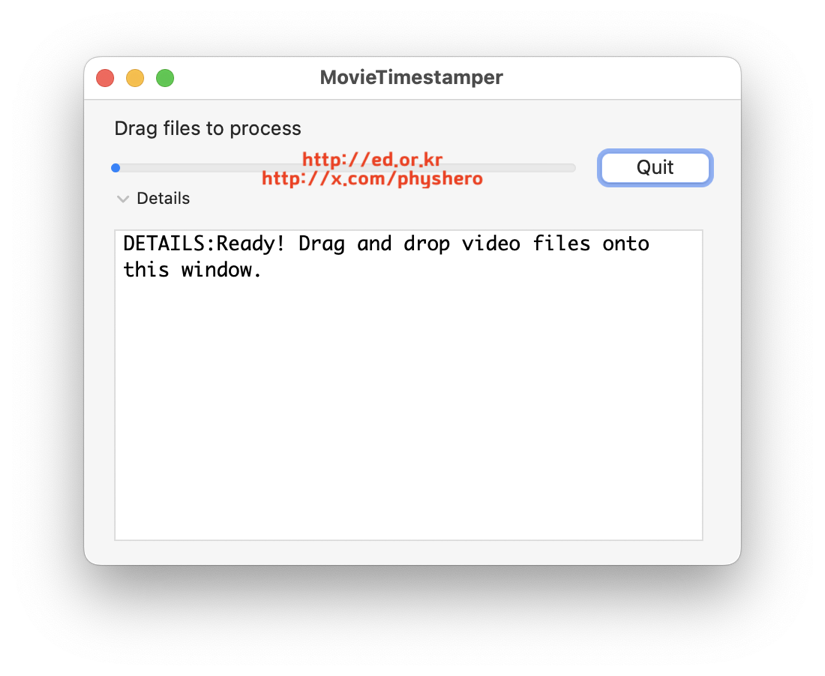
- Drag and drop: just drop video files onto the app window. Drop several at once and they convert one after another in batch.
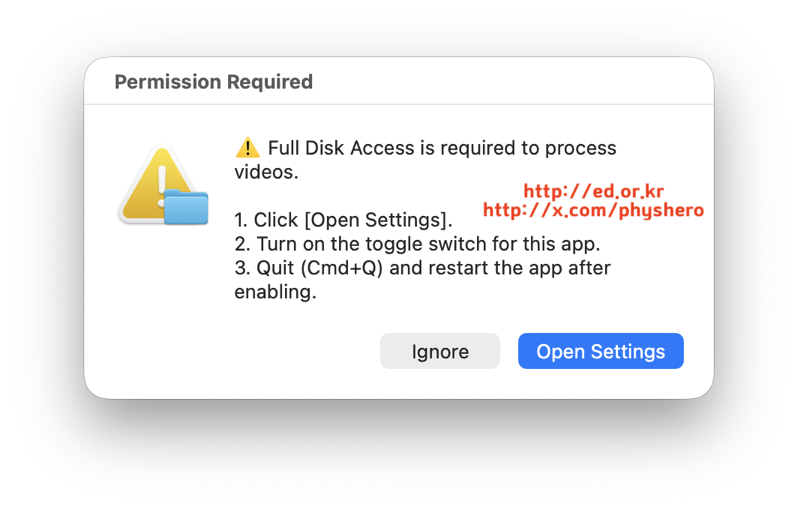
- Automatic permission check: the app checks on its own whether the required Full Disk Access permission is granted, and takes you straight to the Settings screen if not.
- Jitter-free timestamps: a fixed-width Menlo font with a translucent background box keeps the text crisp with no shaking as the seconds tick over.
3. How to use
- Download MovieTimeStamper.zip from GitHub Releases and unzip it.
- If you see an “unidentified developer” warning on first launch, right-click the app → Open, or remove the quarantine attribute from Terminal with the xattr -cr command.
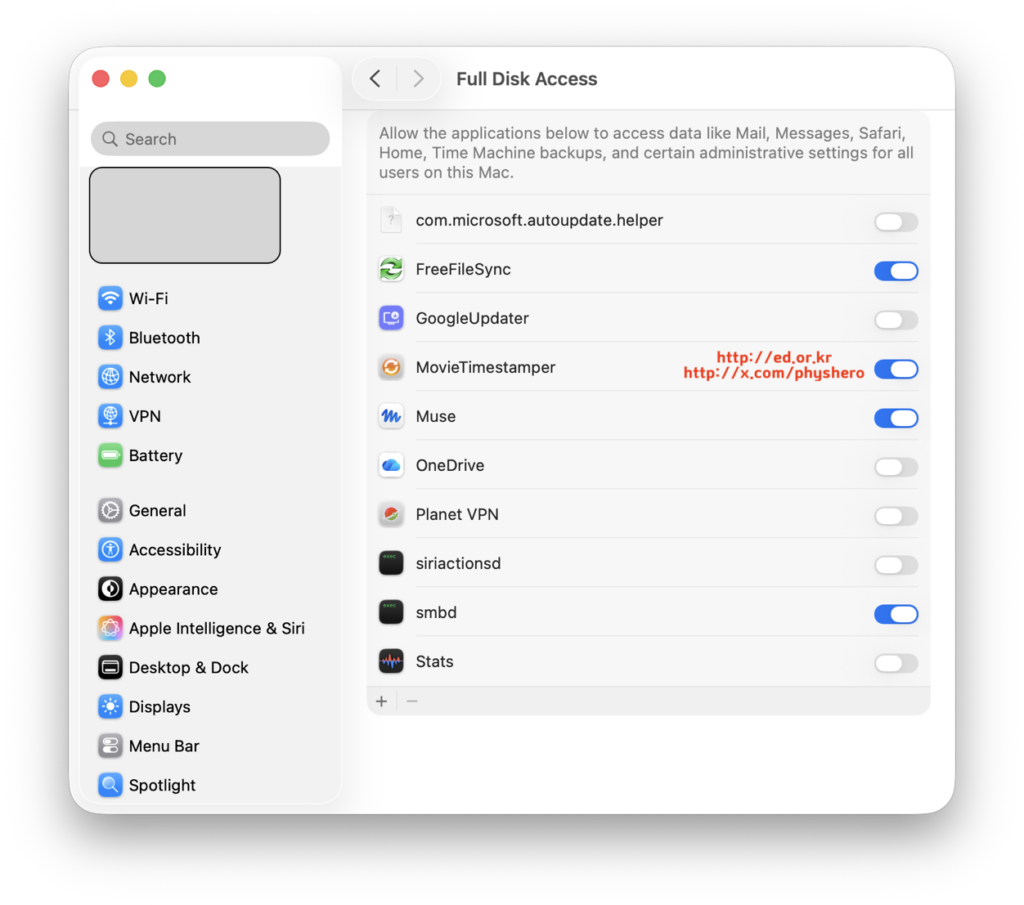
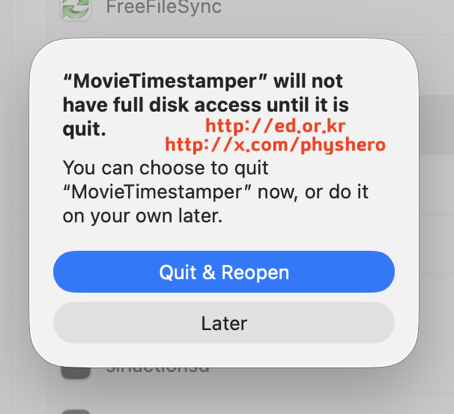
- Follow the app’s guidance to turn on Full Disk Access. (System Settings → Privacy & Security → Full Disk Access)
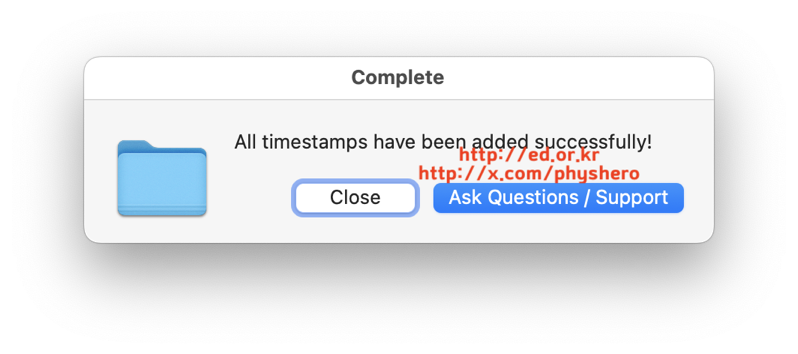
- Drag and drop video files onto the app window. Conversion starts automatically, and when it is done, a [filename]_timestamped.mp4 file is created in the same folder as the original.
xattr -cr /path/to/MovieTimeStamper.appIf conversion stalls or a failure dialog appears, open the FFmpeg_Error_Log.txt file created on your Desktop to find the cause.
4. Conclusion
With this app on your Mac, you can stamp time information onto black-box footage of the same quality in under a minute. So far I have confirmed it works well on iPhone and Tesla videos. It even has the bonus of shrinking file size by about 5% with no quality loss. Give it a try and save yourself some time.
Download: https://github.com/physhero/MovieTimeStamper/releases/