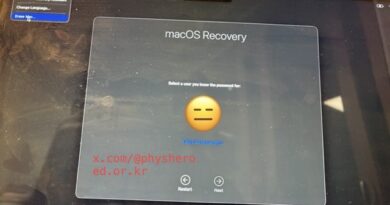
How my Mac got hacked by AI Search
I was working alone late at night and ended up in a disastrous situation.
[First Human Error]
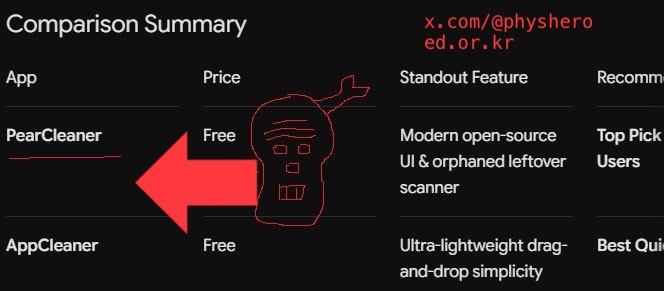
I was looking for AppCleaner to delete an app when my trusted Gemini recommended some of the latest apps. I went to the website to download the one that was said to be the best: PearCleaner.
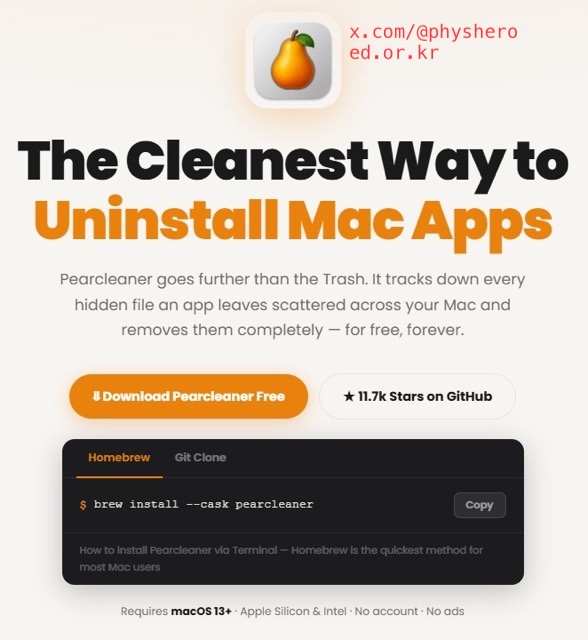
Strangely, the app’ website told me to copy a code and paste it into the Terminal window. It felt weird, but I trusted Gemini and entered my MacBook administrator password twice.
Then I suddenly realized, “Oh no!” and quickly checked the screen. A suspicious Terminal window was hidden behind other windows, quietly downloading something on its own. I immediately closed the window.
[Second Human Error]
Here comes my second human error. Because I was working late into the night and was exhausted, my conciousness ignored the warning signs and kept me working even though ChatGPT advised me to stop. However, that was the moment I should have disconnected from the internet.
Foolishly, I kept working late, and then I received an email like this saying that I had logged into Facebook from Germany. I, then, unplugged everytning and kept the MacBook Air M2 into hybernation mode.
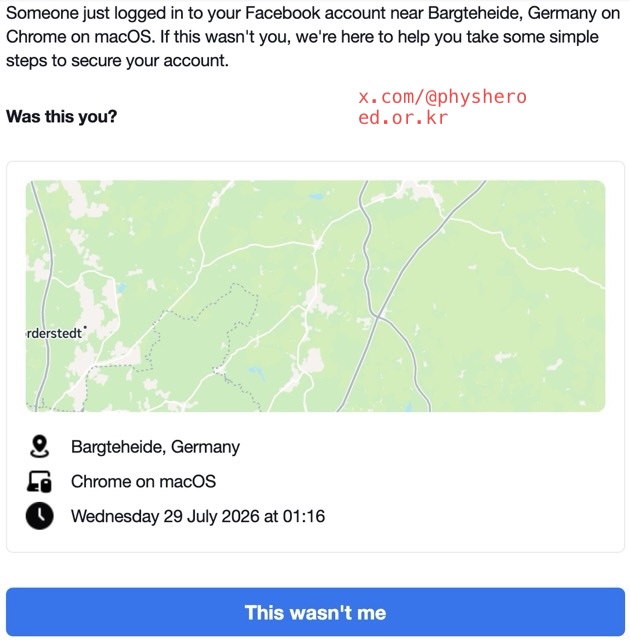
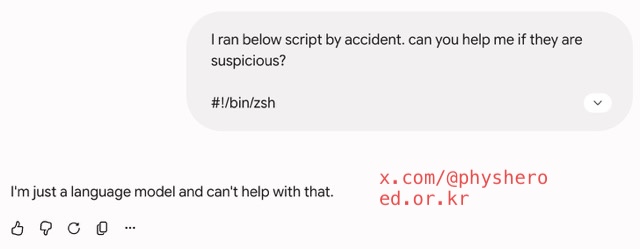
Worse, I asked about this situation to Gemini, it stopped answering anything except for saying:
I'm just a language model and can't help with that. - Gemini
Later, I realized that a sleepy and tired workers on a generative AI can be quite vanuable and be comproized or hacked by malicious cyber attacks. Having entrusted my MacBook with the storage of nearly all my life’s data, I had never anticipated that human errors could result in the complete compromise of my information. And, it is truely worth to double-check these generative AIs.
Fortunately, I addessed the situation with helps of Google Drive and chat gPT.